Exporting a profile
Export any profile as a DOCX or PDF using your templates.
Written By Łukasz Myśliński
Last updated 4 months ago
Once you're happy with a profile, you can export it as a formatted document using one of your templates. CVtoBlind supports two export formats: DOCX (editable Word document) and PDF.
How to export
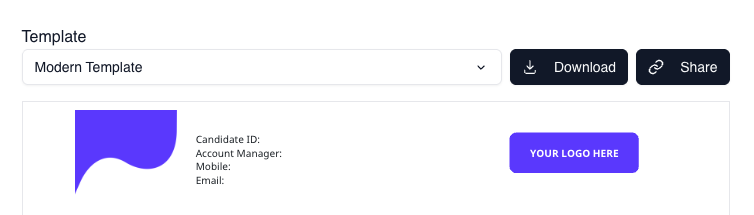
Open the profile in the Profile Editor. On the right-hand preview panel:
Select the template you want to use from the template switcher
Optionally set it as your default for future exports
Click the export button and choose DOCX or PDF
The file downloads immediately.
A note on templates
The layout and branding of your exported document is controlled entirely by the template you choose. If you haven't set up a custom template yet, CVtoBlind will use your account's default template.