Custom fields
Learn how to add additional information to your Profiles
Written By Łukasz Myśliński
Last updated 4 months ago
It is common for many agencies to include details such as Manager contact details / ID or other organizational details in each prospect they’re sharing with their potential customers.
Custom fields are a way of achieving that in CVtoBlind. You can customize each Profile with additional details that are automatically rendered into the final document.
Here’s how you can utilize custom fields to add additional information to your profiles:
Adding custom fields
To add a new custom field, go to the Organization Settings page and scroll down the Custom Fields section.
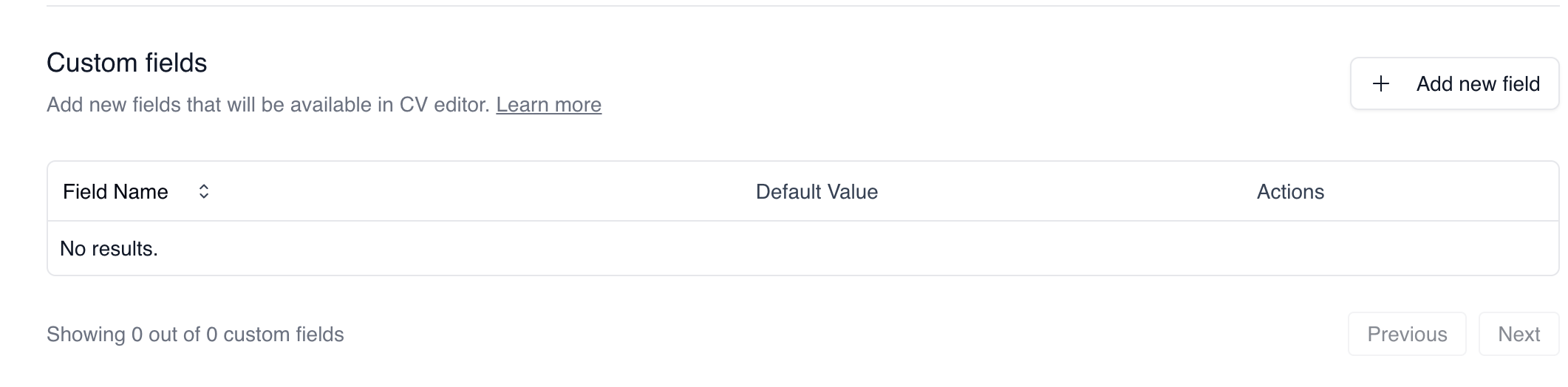
To add a new field:
Click the “Add new field” button
Fill in the form with both the field name and an optional default value
Click save
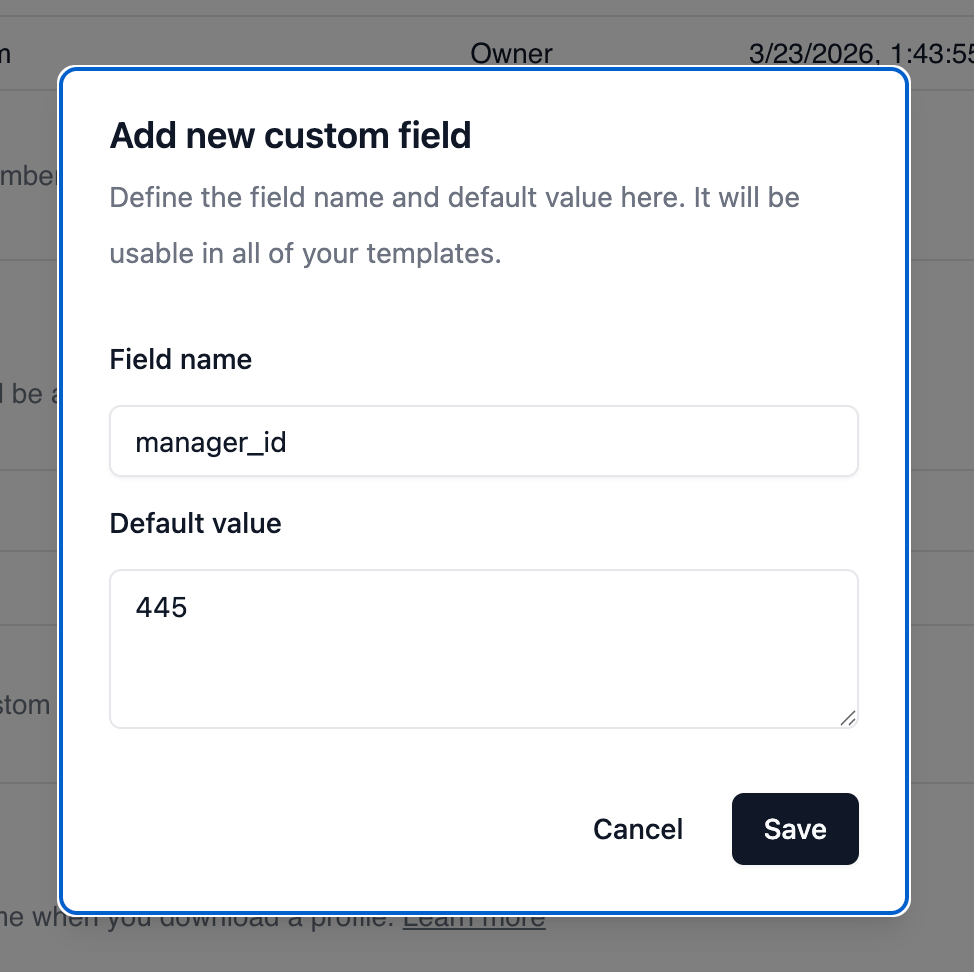
Once you’ve added a custom field to the CVtoBlind application, you can use them in your templates.
Using custom fields in your templates
You can reference your created custom fields in the templates using the custom_field prefix, ex:
{{ custom_field.manager_id }}
Learn more about using variables in templates on the Templates page